Portus
The Portus is an M.2 Key A/E expansion card that extends connectivity. It features a LAN7430 controller for a Gigabit Ethernet port and a USB2514IB hub that provides two standard USB ports. The remaining two USB lines are routed through FT234 bridges, delivering dual UART ports.
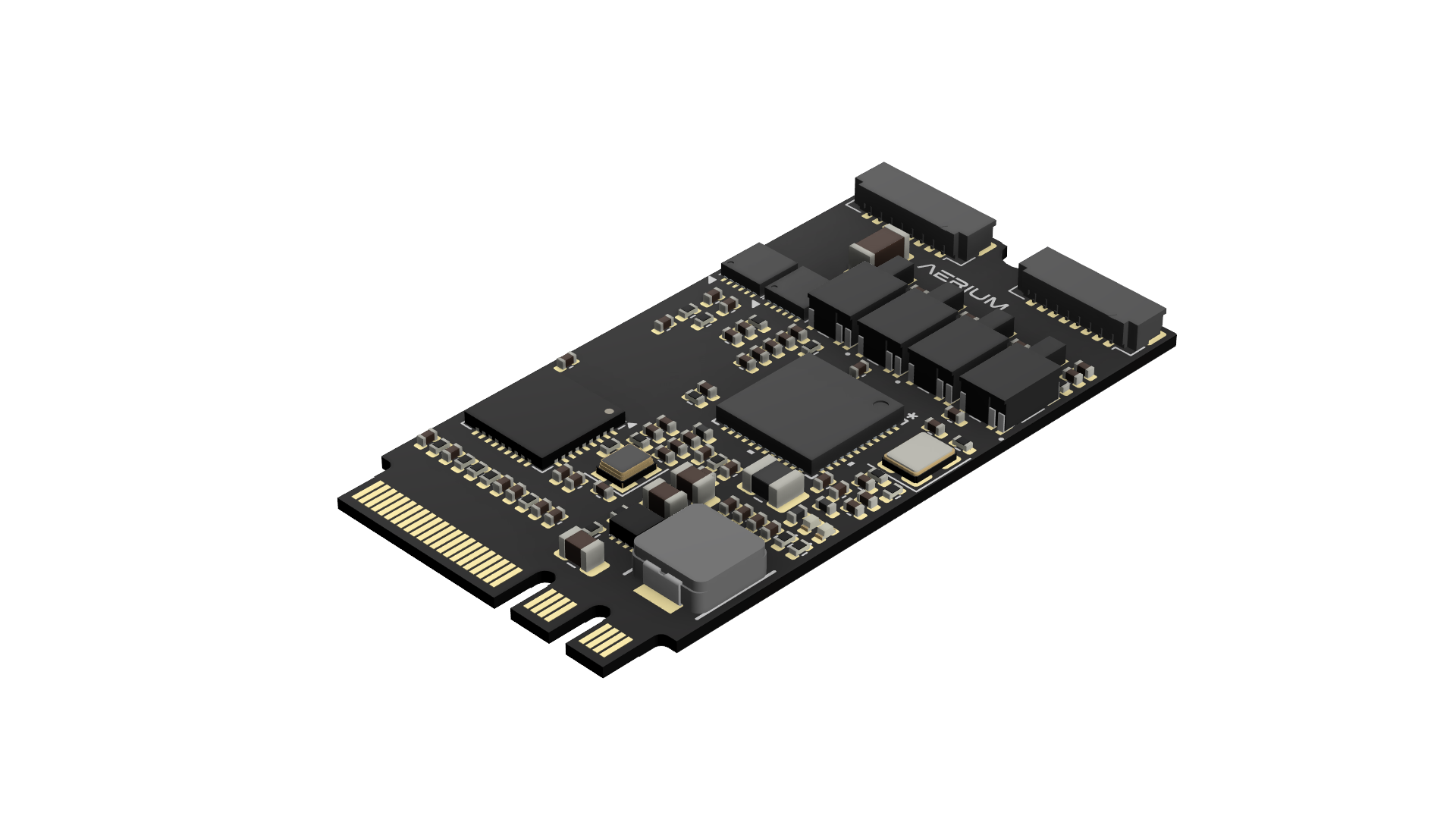
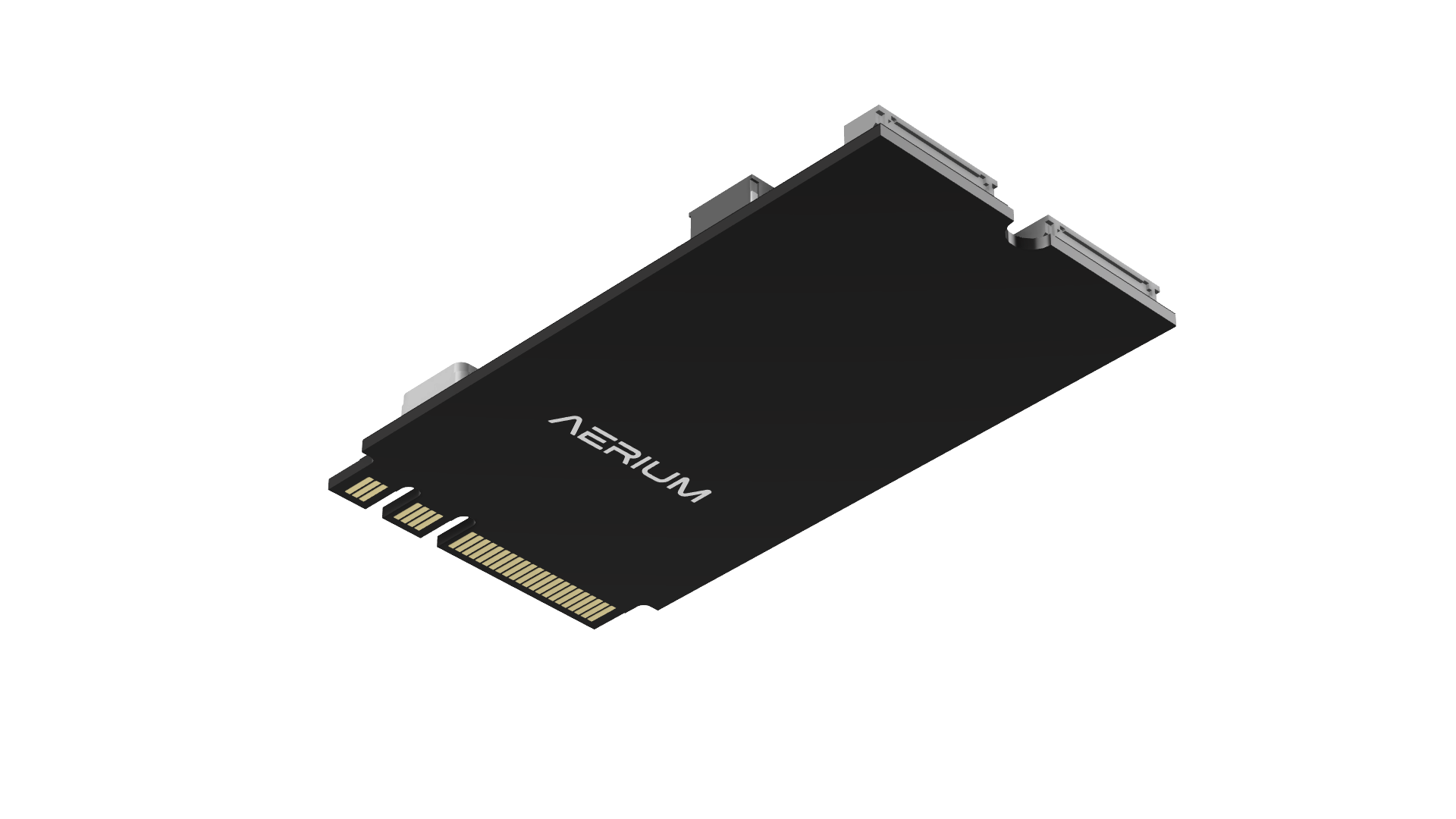
General
- Built around the Microchip USB2514B USB 2.0 hub controller.
- Provides two downstream USB 2.0 ports over Hirose DF52 connectors.
- Two additional downstream ports are routed through FT234 bridges to deliver dual native UART ports.
- Integrated LAN7430 controller adds a dedicated Gigabit Ethernet port.
- M.2 Key A/E form factor ensures compatibility with a wide range of embedded and compute platforms.
- Lightweight and compact — ideal for space- and power-constrained systems.
Resources
Mechanical
- Weight: ~5 [g]
- Dimensions: 22 mm × 42 mm (standard M.2 2242 Key A/E)
- Mounting: M2 screw mount
Electrical
General
- Interface: M.2 Key A/E (USB 2.0)
- Connectors:
- 1× Ethernet ports
- 1× USB 2.0 ports
- 2× UART ports
- USB Standard: USB 2.0 (480 Mbps)
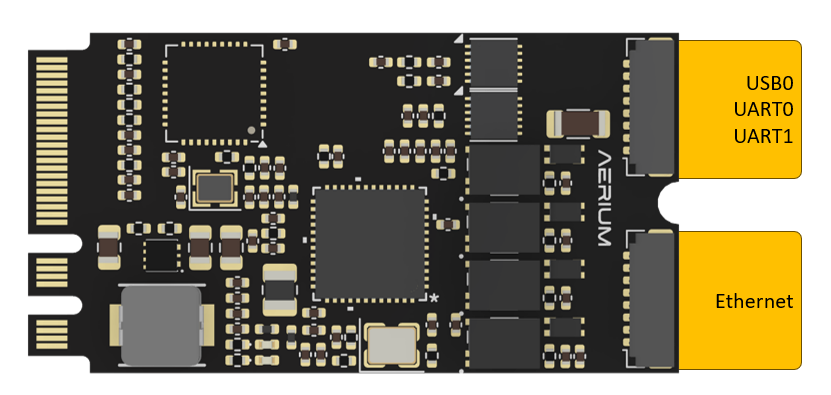
- Top View
Electrical Pinout
USB0 + UART0 + UART1

-
Connector Definition
Type Part Number Part Name Board Connector DF52-8S-0.8H(21) Hirose DF52 Cable Connector DF52-8P-0.8C(21) Hirose DF52 -
Connector Pinout
Pin Name Description 1 VCC 5 V output 2 D0N USB Data − (port 0) 3 D0P USB Data + (port 0) 4 TX0 UART TX (port 0) 5 RX0 UART RX (port 0) 6 TX1 UART TX (port 1) 7 RX1 UART RX (port 1) 8 GND Ground
Ethernet
-
Connector Definition
Type Part Number Part Name Board Connector DF52-8S-0.8H(21) Hirose DF52 Cable Connector DF52-8P-0.8C(21) Hirose DF52 -
Connector Pinout
Pin Name Description 1 MDI0_P Ethernet MDI0_P 2 MDI0_N Ethernet MDI0_N 3 MDI1_P Ethernet MDI1_P 4 MDI1_N Ethernet MDI1_N 5 MDI2_P Ethernet MDI2_P 6 MDI2_N Ethernet MDI2_N 7 MDI3_P Ethernet MDI3_P 8 MDI3_N Ethernet MDI3_N
Software
Driver installation
USB and UART port
- Fully plug-and-play with linux kernel - no additional drivers required.
Ethernet port
-
The lan743x driver is included in some Linux kernels and may be detected automatically without additional effort.
-
For NVIDIA Jetson modules with JetPack 6.x, use the instructions below:
- Create the
extraDirectory
sudo mkdir -p /lib/modules/$(uname -r)/extra- Download the kernel module from the following link: lan743x Kernel Module
- Extract the .ko file
- Copy the Kernel Module
sudo cp lan743x.ko /lib/modules/$(uname -r)/extra/- Update Module Dependency Database
sudo depmod -a- Test Manual Module Loading
sudo modprobe lan743x- Verify the module loaded
lsmod | grep lan743x
dmesg | tail- Configure Automatic Loading at Boot
sudo nano /etc/modules-load.d/lan743x.conf- Add exactly one line (no
.koextension)
lan743x- Save the file and reboot
sudo reboot- Post-Reboot Verification
lsmod | grep lan743x
dmesg | grep lan743x- Confirm that the network interface is present
ip linkor
ifconfig - Create the